Why Core Updates Hit Ecommerce Category Pages
The problem isn't visible on any single page. It's visible across the set.
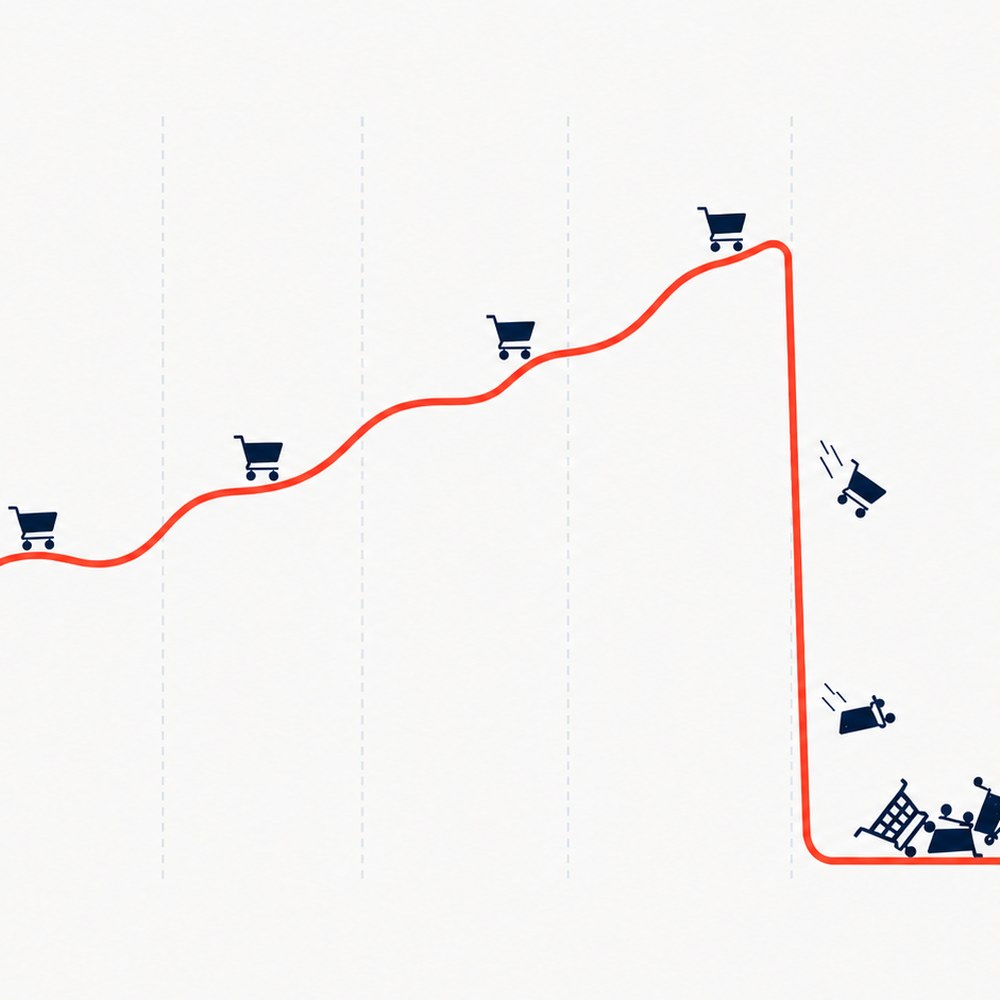
Organic growth had been steady for a long time. Sometimes there’s a slow decline in the months before, easy to write off as noise. Then a core update lands and takes a real slice of visibility with it. Paid spend goes up to cover the gap, the pressure inside the business rises with it, and nobody can explain why pages that were ranking six months ago aren’t ranking now.
The site looks fine. Technically sound, decent content, nothing that jumps out in a normal audit. That’s usually because the audit is checking whether the boxes are ticked, not whether the page actually serves the person who lands on it, a gap I cover in What Quality Content Actually Means. So the advice that comes in tends to be the same advice that comes in every time: add FAQs and longer category descriptions to the product listing pages (PLPs), add more internal links, get more supporting content written, get more reviews in. None of it moves the number, even though each recommendation is reasonable on its own.
Why the usual SEO advice doesn’t lead to recovery
Every one of those fixes (FAQs, internal links, extra content, reviews) treats the page as the unit of quality — this page needs more content, this page needs more links, this page needs more trust signals. That’s the right instinct most of the time. It’s the wrong instinct here, because the problem this article is about doesn’t live on a single page. It lives in how a page compares to the others sitting next to it in the category structure. You can add a well-written FAQ to a page and it still won’t be a distinct page, because the products on it haven’t changed. Doing more of everything without that diagnosis is activity, not strategy, a distinction I set out in Why SEO Activity Isn’t the Same as SEO Strategy.
How PLP quality can fade over time
Here’s the confusing part. The page hasn’t changed. It’s the same template, the same layout, the same page that’s been performing well for months or years. So where did a quality problem come from, and why is it only showing up now?
The page only looks static. Products get added and delisted. Sort order gets tweaked, by a script or by a category manager, using sales or margin data that moves every day. None of that touches the template, the copy or the layout, so nothing about the page looks different to anyone checking it manually. What’s actually on it, though, has been drifting the whole time.
Ecommerce sites build a lot of PLPs to catch long-tail search demand, either added by hand over time or generated at scale through faceted navigation or a programmatic build. A fairly typical hierarchy looks something like this:
Widgets (search volume 50,000)
- Period style widgets (search volume 50)
- Victorian widgets (search volume 10,000)
- Edwardian widgets (search volume 1,000)
- Medieval widgets (search volume 500)
Search volume tells you Victorian widgets is the page worth the most attention. It doesn’t tell you what happens next: if products are sorted dynamically by sales or margin, or a category manager is doing the same job by hand, the same bestsellers rise to page one of Widgets, Period style widgets, and Victorian widgets all at once. That’s what was drifting while the page looked untouched: three pages, three different keyword targets, and the sorting logic keeps nudging them toward the same shortlist of products. It’s an example of a wider problem with building a category structure from search volume alone, which I’ve written about separately in Why SEO Shouldn’t Be Led by Search Volume Alone.
The same quality problem shows up with product variants. If a site uses separate pages for colour or attribute variations, the blue widgets page needs to actually show the blue widgets, not the generic parent range with a blue one somewhere in the mix. A variant page that doesn’t filter to its own variant is the same problem as a category page that doesn’t filter to its own audience: a page that claims a specific slice of the catalogue but shows the general one.
Sorting for commercial performance and sorting for search relevance are not the same job. Run one rule across both, and one of them loses.
Some ecommerce category pages never had quality to lose
This is the opposite problem. Category pages that drift into overlap through sorting logic lose quality gradually, without anyone touching the page itself. Some sites never had that quality to begin with. If PLPs are built to cover every keyword variation a business can find, rolled out fast and at scale as ongoing churn work rather than a considered hierarchy, product curation is usually the first thing missing, not the first thing to slip. It tends to arrive with company: noun-swapped titles, headings that read as a template with one word changed, the general texture of pages produced quickly rather than written for a specific set of products.
That version is harder to fix. A hierarchy that drifted into overlap through sorting logic can be restructured. Pages that were never curated in the first place need a change to how they’re produced, not just a change to how they’re sorted. If the pace that built the problem is still the pace of the business, the temptation is to keep producing the same way.
If a site is running something like 4,000 products across 800 categories, that ratio alone is worth a second look. It doesn’t confirm the problem, but it’s the kind of scale where it tends to show up.
How to check PLPs for product overlap
Product overlap is difficult to spot because at page level, nothing looks wrong. The same products in a slightly different order doesn’t jump out in a manual review, and the copy around the products can look perfectly fine while the products themselves are the problem. A PLP’s most important content is the product cards, not the text around them, and that’s where the check needs to happen.
One symptom worth watching for: Google choosing to rank a paginated URL for a category instead of the main PLP. Once you’ve ruled out a technical cause, this is often because that paginated page happens to be the more unique page in terms of the products on it: the version of the category Google finds easiest to tell apart from the rest.
As a rough rule of thumb, aim to keep each PLP somewhere around two-thirds unique products. Below that, a set of pages starts reading to Google as one page split across several URLs.
I check this two ways in practice. At scale, run an embedding-based similarity check (SBERT or similar) across the product sets in a category hierarchy, to score how much overlap actually exists between related pages. By hand, or for a stakeholder audience, crawl page one of each PLP, export the outbound links to product pages, and put each PLP’s product links in its own row in a spreadsheet. Highlighting the duplicate URLs across rows gives a fast, visual read on the overlap, and it’s often the easier version to put in front of a stakeholder who isn’t going to sit through a similarity script.
Why PLP quality matters to Google and to the customer
From Google’s side, a set of pages with heavy product overlap offers little that’s unique to any single page in the set. If the products largely repeat, none of the pages earns much distinct value, and that drags down the perceived quality of the whole set, not just the weakest page in it.
From the customer’s side, it’s the same problem from the other direction, and it lands hardest on shoppers who are browsing rather than hunting for something specific: people with no product in mind yet, just checking what’s changed and hoping something catches their eye. Nielsen Norman Group’s research names this as one of five recurring shopper types. Someone browsing Widgets, then Period style widgets, then Victorian widgets is doing exactly what that structure invites: going a level deeper each time, hoping for something different. In practice, they see the same products each time, just in a different order.
Why fixing category overlap can be hard
In my experience, fixing category overlap isn’t hard because it’s complicated. It’s hard because it needs delicate handling with the people who own the commercial side of the site.
Category and ecommerce managers aren’t going to want to stop featuring bestsellers and high-margin products, and if they do agree to change the sort, the open question becomes what replaces it in a way that still protects conversion rate across every channel, not just organic. To them it reads as a trade-off between recovering search visibility, which is marketing’s problem, and protecting revenue on every other channel, which is theirs.
Getting sign-off to restructure or remove subcategories with heavy crossover is a similar conversation, especially for subcategories that used to perform well. That usually leads to the same question: isn’t there something else we could do instead? Which sends the business back down the route of more content, more links, more supporting material: the advice that didn’t work the first time.
And even with buy-in to fix it properly, there’s nothing stopping the pattern coming back. A new category manager or a new agency arrives later, doesn’t know the history, and starts recommending search-volume-led category structures and performance-based sorting. On their own, those are good practices. They’re only a problem in combination, and that context doesn’t travel with a personnel change unless the fix is built to survive one.
The fix: content-only landing pages where the overlap is worst
The most pragmatic route takes a bit more time, but it holds the balance between the commercial outcome and a fix that actually stays fixed: add a landing page at the level where the crossover is worst that doesn’t carry its own product grid. It links through to the categories beneath it instead. Ecommerce SEOs usually shorten this to a CLP, a category landing page.
Widgets (CLP)
- Period style widgets (CLP)
- Victorian widgets (PLP)
- Edwardian widgets (PLP)
- Medieval widgets (PLP)
The parent levels, where the same bestsellers kept surfacing, stop trying to also be product grids. Victorian, Edwardian and Medieval widgets keep their live PLPs, each with its own set of products underneath it.
Not every level in that structure needs to become its own CLP, though. The volumes make the case: Widgets carries 50,000 searches a month in its own right, and Victorian, Edwardian and Medieval widgets carry 10,000, 1,000 and 500. Period style widgets, sitting between them, carries 50, less than any one of the three categories underneath it. That’s a sign the page was only ever built to house those three categories, not because anyone searches for it directly. Where that’s true, the middle level is a candidate for removal rather than its own CLP: redirect it, and let the Widgets CLP link straight through to Victorian, Edwardian and Medieval widgets instead. One less page to maintain, and one less place for the crossover problem to creep back into.
This tends to land better with category and ecommerce managers than it sounds on paper, because a CLP isn’t only an SEO patch. It gives them a more flexible shop window at that level: room for offers, bundles and seasonal merchandising that doesn’t have to double as a ranking product grid targeting the same audience as the pages below it.
Where a full CLP rebuild isn’t realistic in the timeframe available, a hybrid version can hold the line in the meantime: keep a featured or bestsellers section on each PLP for the commercially important products, and make the standard listing beneath it more varied, so the page still earns its place as a distinct set of products rather than a rearrangement of the same one.
This version is the one I’d watch closely. Without clear sign-off criteria attached to it from the start, the featured section gets approved because it sounds like good SEO practice on its own, nobody defines what “more varied” actually means for the listing underneath it, and the site ends up with a bestsellers block sitting on top of the same crossover problem it was meant to fix. Staying close to the build, not just approving the brief, is what keeps the two halves of the fix connected.
The reason this fix tends to survive a change of agency or a change of category manager is that it removes the conflict at its source. The parent page is no longer being asked to do two jobs at once, so the sorting logic underneath it is free to keep optimising for revenue without recreating the sameness problem a few months later.
If a core update has taken a slice of visibility and the standard advice hasn’t brought it back, this pattern is one of the first things worth ruling in or out — one of the things a Google update recovery audit checks for.
Not sure why a core update hit and the usual fixes haven't brought it back?
I look at whether your category pages are actually distinct from each other, not just whether each one has enough content, then show you where the overlap is and what to do about it. If a full audit isn't the right next step, I'll say so first.